A person deciding to work from a shared office often needs to answer several questions at once. Is there a suitable desk? Will the people they need to meet be there? Does the location have the equipment they use? A founder could build ActiveDesk as a focused software product that brings those practical choices into one clear plan for the day.
The first buyer might be a workplace manager supporting teams across a small number of offices. The first user might be a colleague arranging two office days each week. Those roles need different views of the same arrangement. The colleague needs a dependable reservation and useful context. The manager needs clear rules, a way to resolve exceptions and evidence for decisions about the space.
Choose the first coordination problem
A desk-booking product can become complicated quickly if the first release tries to cover visitors, parking, meeting rooms and every workplace service. Start with one repeated problem. For example, a project team may need a cluster of desks on a shared day. The product could make it easier for that team to choose a location and reserve suitable places near one another.
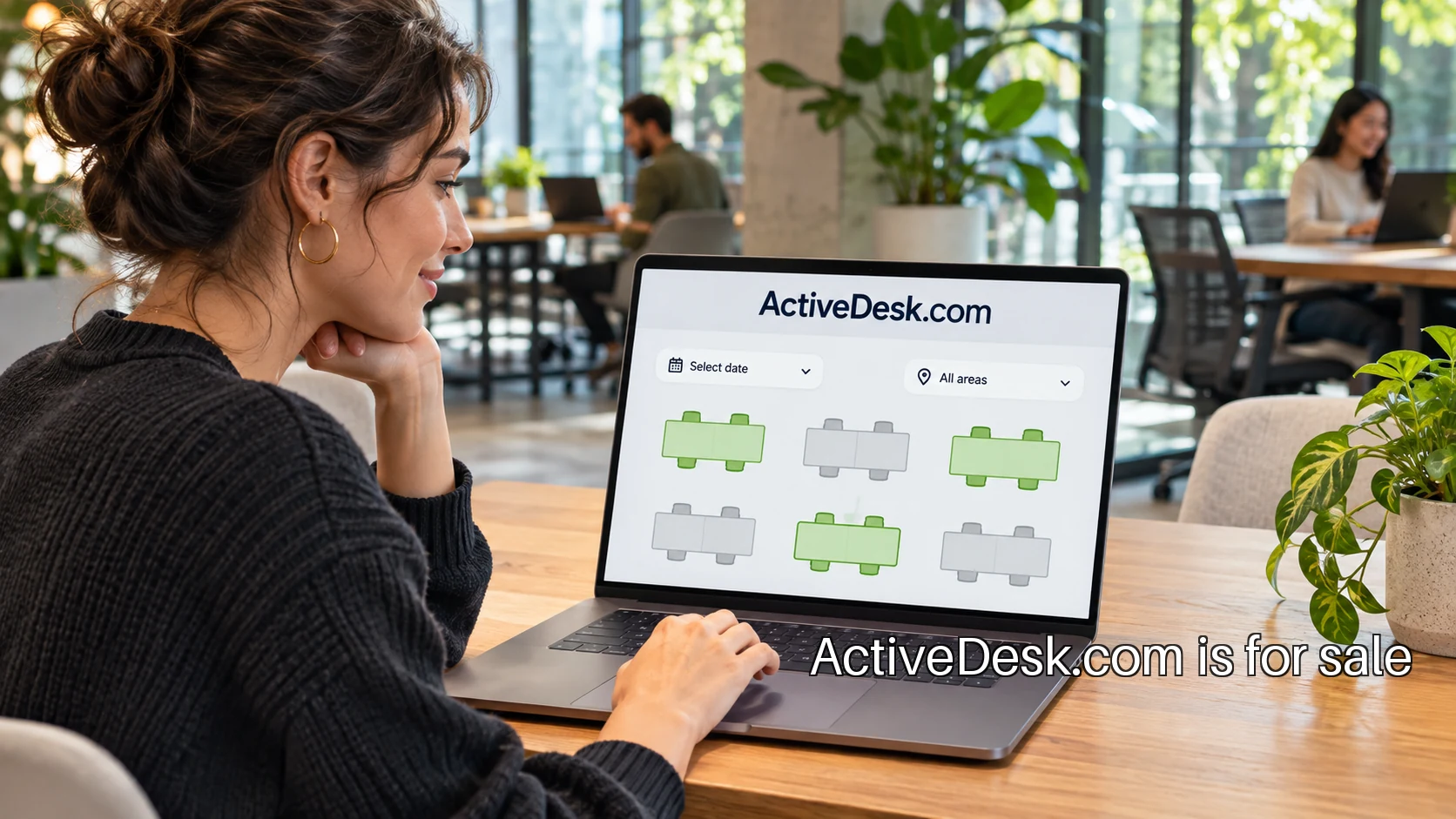
Describe the workflow as a short sequence. A team proposes an office day, members indicate attendance, available desk areas are shown and each person confirms a suitable place. The reservation includes the location, date, equipment and release rule. A user should be able to change their plan without asking an administrator to repair several disconnected records.
Make availability understandable
A desk has attributes that matter to the person using it. It may have a particular monitor connection, an adjustable surface, a quiet location or step-free access to its area. Record only attributes the operator can keep accurate. If a piece of equipment is removed, the reservation page should stop promising it until the record is corrected.
Avoid making an attractive floor plan the only route through the product. A searchable list can help someone compare equipment and locations without interpreting a diagram. The W3C accessibility reference can guide questions about keyboard operation, labels and information conveyed through colour. Test the actual booking task with the people expected to use it.
Define the rules before the dashboard
Reservation rules can be simple but must be explicit. Decide how far ahead a desk can be booked, when an unused reservation is released and who can make an exception. Consider what happens if someone arrives to find equipment unavailable or another person occupying the place. The software needs a recovery path as well as a successful booking screen.
The office manager should be able to explain those rules in ordinary language. If a rule takes a long internal document to describe, it may need to be simplified before it is automated. Include the rule where a person makes the decision. A cancellation deadline is more useful beside a reservation than hidden in a separate help centre.
Treat attendance information carefully
Team coordination does not require every colleague to see every movement. Decide which information is necessary for booking and which information belongs in an administrator view. A team-day indication could show that a colleague plans to attend without displaying their full reservation history. Give the organization a clear description of the records stored and the purpose of each field.
The ICO guidance on data minimisation is a useful reference for this design discussion. The founder should review the product's obligations for the markets and customers it will serve. That review can shape retention settings, access controls and the information shown in exports before those choices become difficult to change.
Pilot the complete office day
A useful pilot follows the user from planning to arrival and departure. Choose one office area and a small group with a real reason to coordinate. Watch someone find a desk, change a booking and recover from a missing piece of equipment. Ask the office manager to handle an exception using the proposed controls. Record where either person has to leave the product and ask someone for help.
Reach the first pilot customers through local workplace-manager groups and office-operator communities, using a short demonstration of the team-day booking flow. Invite managers who are coordinating a shared office day to try the product in one area, then use their completed pilot as the basis for a wider account conversation.
The pilot should end with a concrete decision about the next release. Perhaps equipment descriptions need to be clearer, a team view needs improvement or the cancellation rule needs changing. Those findings are more useful than a large feature wish list. Those observations become a short development plan for the next release.
A name for the product in use
ActiveDesk gives this software direction a name connected to the workplace task. It can sit on the reservation confirmation, the office sign and the address used to access the product. The founder can introduce a focused shared-office tool while leaving room for related coordination features as the product learns from real use.
This is a possible use of the domain, with the first product defined by a specific team and its working week. Begin with a booking flow, a small set of rules and an office willing to try them. The founder then has a product to demonstrate through an ordinary day: people choosing where to work and arriving with a plan they can use.